A fully offline password manager that keeps your credentials under your control. Vaults are encrypted with AES-256, master passwords hashed with Argon2id, and every new entry is checked against the Have I Been Pwned breach database — without ever sending your passwords to any server.
Clean & Secure by Design
Material Design UI on Windows. Minimal CLI on Linux. Same encrypted vault, any platform.
Your Credentials, Your Control
Everything you need to manage multiple vaults with zero cloud dependency.
Vault files use Rijndael AES-256 encryption. Data never leaves your device in plaintext.
- Encrypted
.xvault file format - Master password hashed with Argon2id
- No cloud sync — fully offline
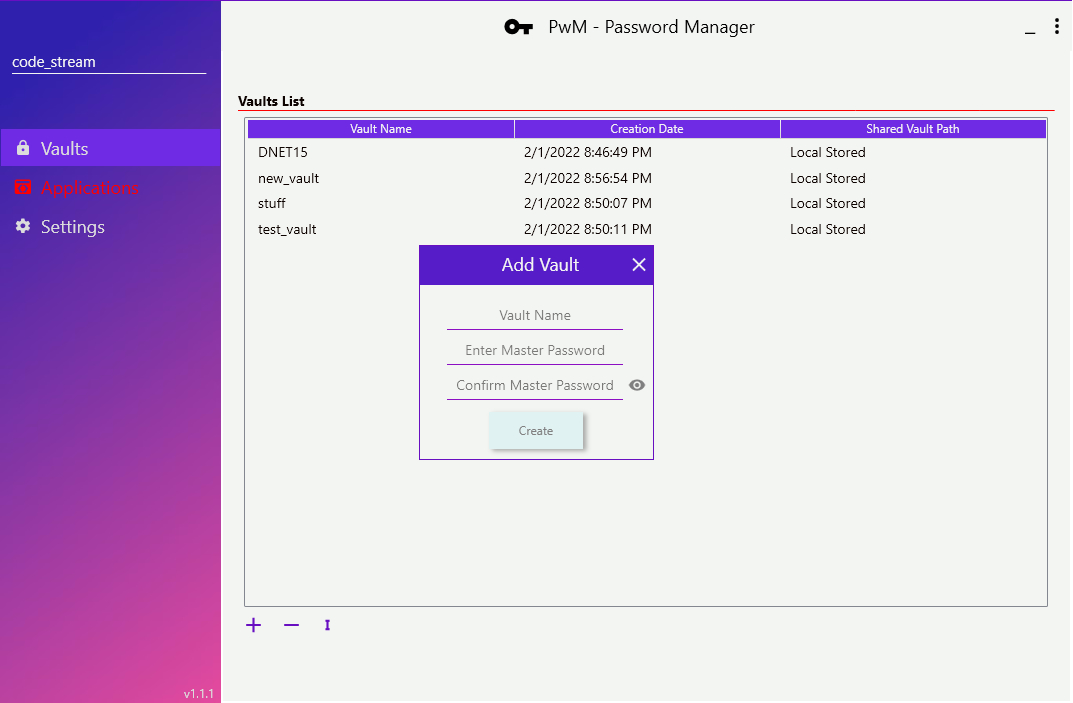
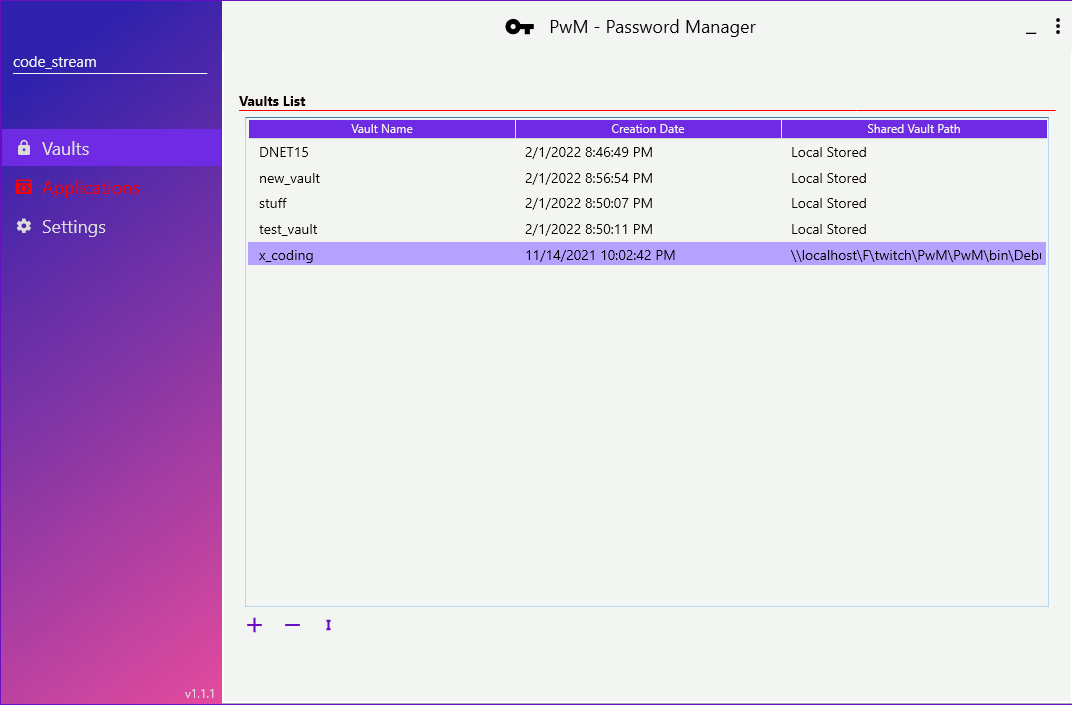
Create unlimited vaults for different contexts — personal, work, projects — each with its own master password.
- Create, delete, and switch vaults
- Import / export vault files
- Per-user isolation on Windows
Share vaults with team members via file servers or local network shares — perfect for small teams.
- Import from network locations
- Team password sharing workflow
- Windows GUI only
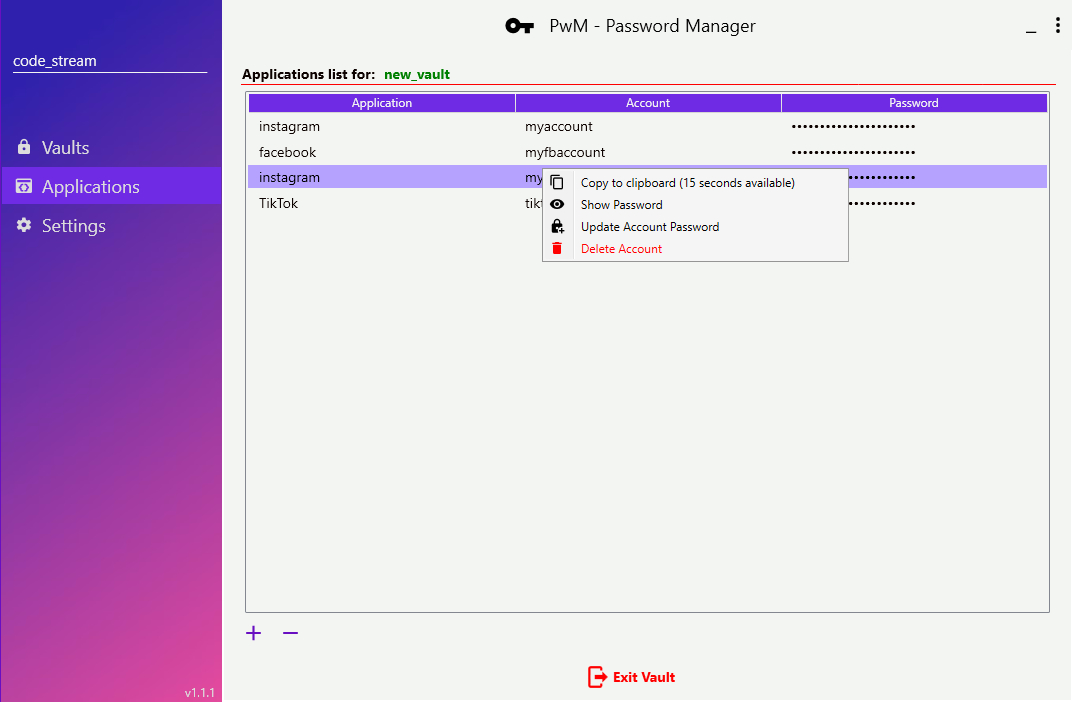
Organise credentials by application. Add, update, delete, and search accounts within any vault.
- Add / update / delete accounts
- Change master password anytime
- Show password toggle (eye icon)
Copy any password to clipboard — it auto-clears after 15 seconds, leaving nothing in your paste buffer.
- 15-second auto-clear timer
- Visual countdown notification
- No accidental paste leaks
Vault sessions expire automatically after 10 minutes of inactivity and on Windows lock screen events.
- Configurable timeout (default 10 min)
- Auto-lock on Windows lock / suspend
- Re-auth required for modify operations every 30 min
Zero-Trust Password Storage
Modern cryptographic standards applied at every layer.
Your master password is never stored. It's hashed using Argon2id — the winner of the Password Hashing Competition — making brute-force attacks computationally infeasible.
Every password you add is checked against the Have I Been Pwned API using k-anonymity — only the first 5 characters of the SHA-1 hash are ever sent.
Enforces strong passwords: 12+ characters, uppercase, lowercase, numeric, and special characters required. No spaces allowed.
PwM CLI — Linux & Automation
Full vault management from the terminal. Same AES-256 encryption, no GUI required. Each flag triggers an interactive prompt session.
PwM_CLI targets .NET 8 and runs natively on Linux. Ideal for servers, DevOps pipelines, and headless environments.
Every operation is a single flag. The CLI then guides you interactively — vault name, master password, account details — step by step.
-h— display help message-createv— create a new vault-delv— delete a vault-listv— list all vaults-addapp— add application + account-lista— list/read accounts (single or all)-updatea— update account password-dela— delete an account from vault
Vault .x files created on Windows GUI can be opened with the Linux CLI and vice versa — same encryption, fully portable.
Built On
Download PwM
Open source, MIT licensed. Download from GitHub. .NET 8 Runtime required.