CIARE
A lightweight Windows text editor powered by Roslyn — compile and execute C# code in-memory without any project setup. Features real-time diagnostics, IntelliSense, live collaboration, NuGet package management, and four AI engines (OpenAI · OpenRouter · Ollama · GitHub Copilot) ready to help you fix errors and generate code.
Intelligent Code Editor
A fully-featured editing environment built on ICSharpCode TextEditor with SharpDevelop-class tooling.
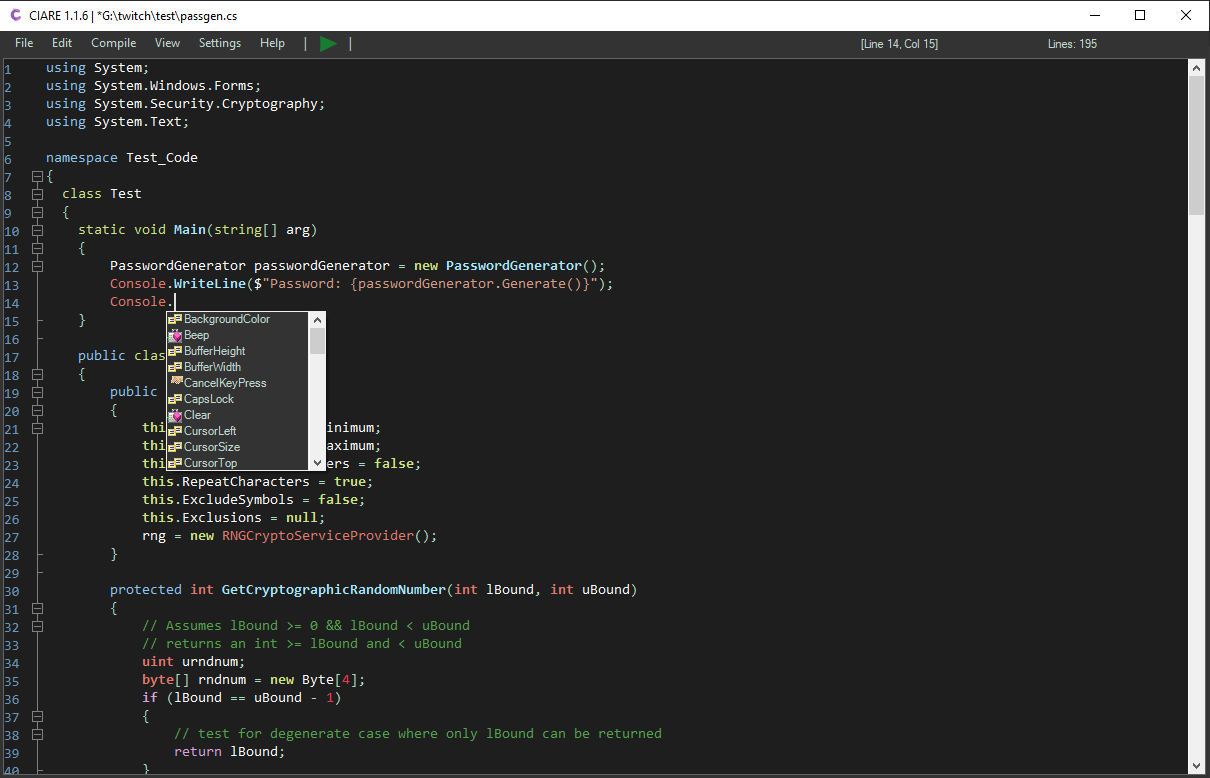
Context-aware code suggestions powered by NRefactory and SharpDevelop Dom — type less, ship more.
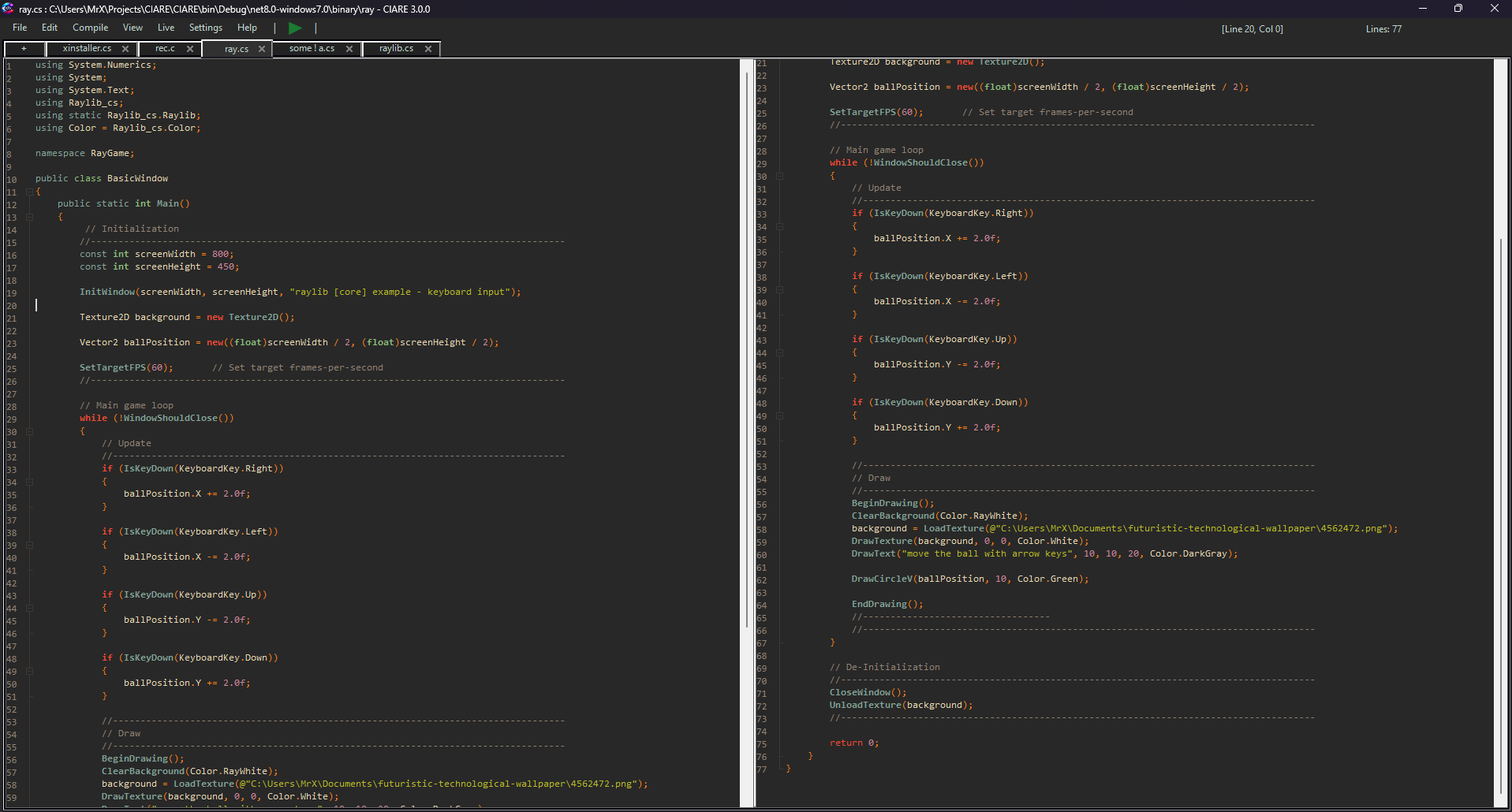
Rich syntax coloring with built-in themes (C#-Dark, C#-DarkVS, Default) plus 8 new external themes — 8bit, Gruvbox, Lilac, Neon, NoctisHC, Noegi, NordWave, Sweet. Drop any .xshd file into the themes\ folder to add more. No restart required.
Collapse curly-brace blocks, #region / #endregion directives, and XML doc comments to keep large files navigable.
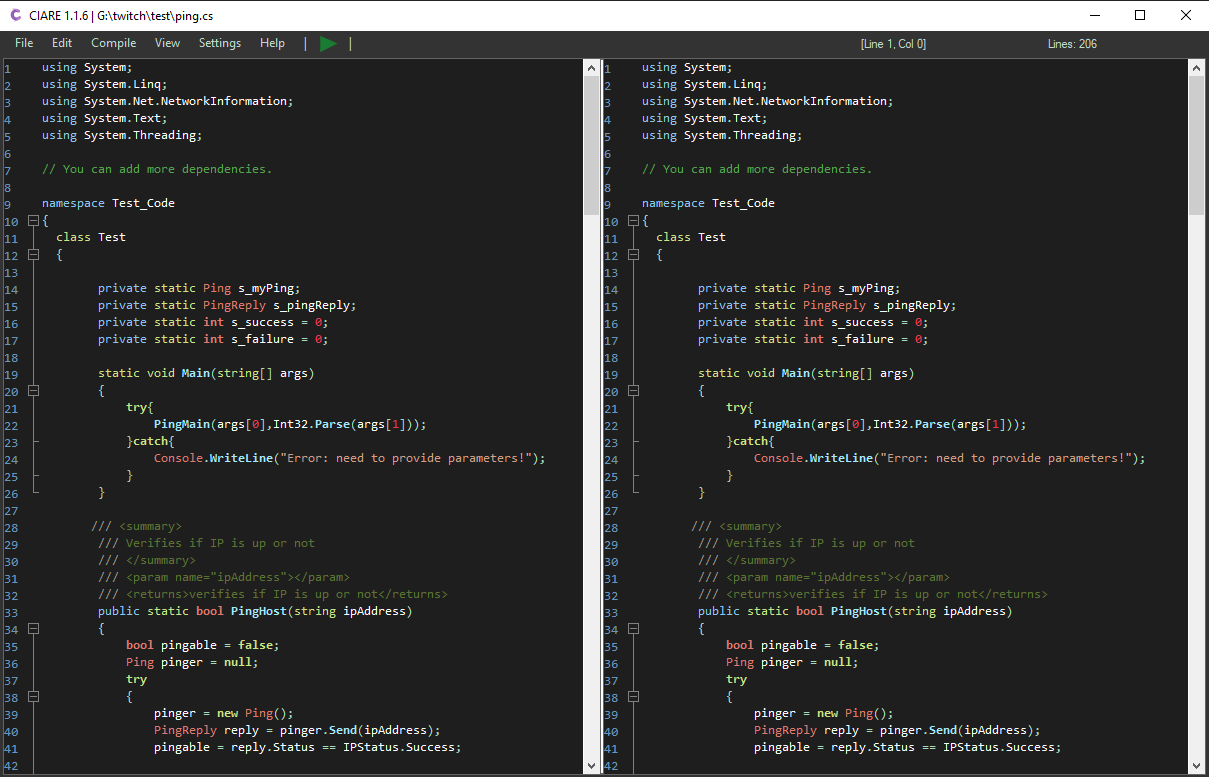
Vertical or horizontal split lets you edit two sections of the same file side-by-side — switch areas with Ctrl+U.
- Ctrl+W — vertical split
- Ctrl+Shift+W — horizontal split
Find text with Ctrl+F, find-and-replace with Ctrl+H, jump to any line number with Ctrl+G.
Open multiple files in tabs. Add new tabs with Ctrl+Tab, navigate left/right, and close any tab independently or all at once.
Toggle dark mode instantly. Editor colors, output pane, menus, and all dialogs adapt automatically.
Roslyn-powered wave underlines appear 800ms after you stop typing. Errors and warnings appear in the Errors tab with line navigation on double-click. Right-click any error to Copy it or send it directly to Ask AI for a fix.
Open, save, save-as, drag & drop files. The title bar shows unsaved changes with an asterisk. Mark a file to auto-open on next launch or Windows startup.
Compile & Execute — Instantly
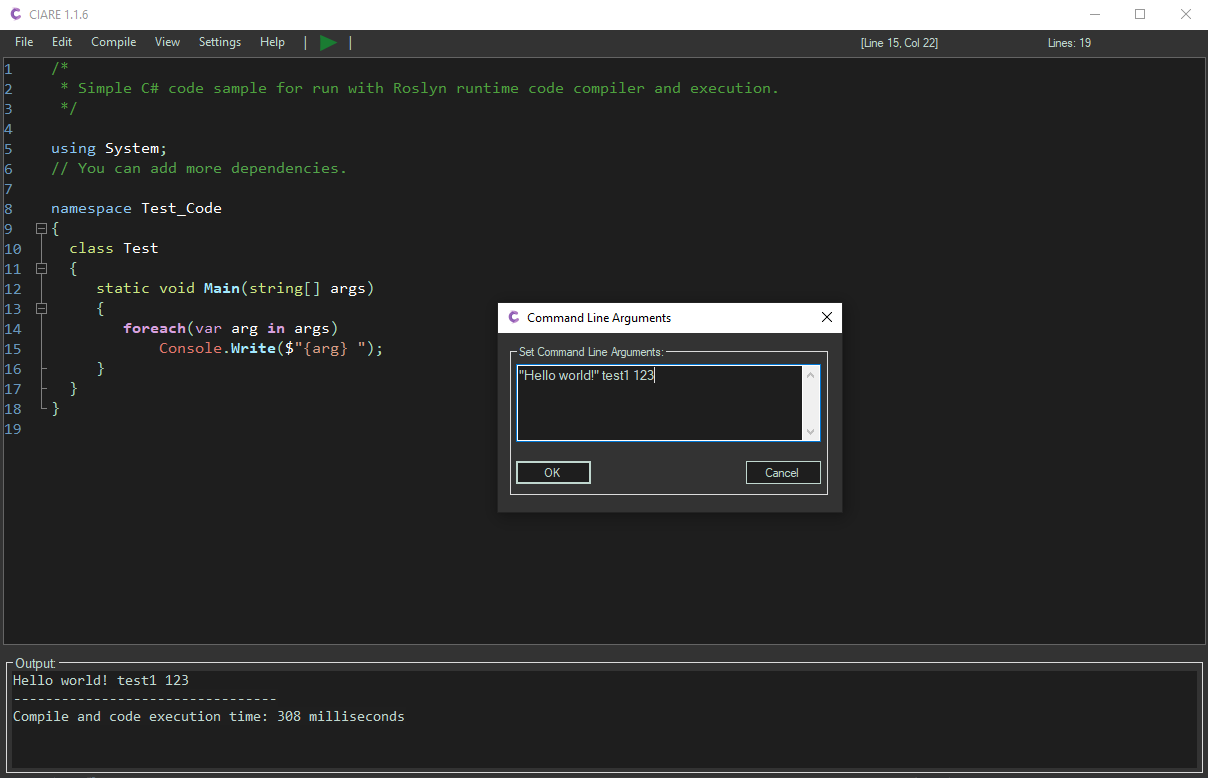
Roslyn compiles your code in-memory. Press F5. Done. No project files, no solution setup, no waiting.
Compile and run C# in-memory — no temporary files, no disk writes. Results appear in the output panel in milliseconds.
Export to .exe or .dll. Choose Debug / Release, target Any CPU or x64, and select your .NET version (6 · 7 · 8 · 9 · 10).
Ahead-of-Time compilation produces a fully self-contained, optimized native binary with no runtime dependency.
Set parameters to pass to your compiled program via Ctrl+L. Arguments persist across sessions.
Compilation time and execution runtime are displayed in milliseconds so you can profile your code instantly.
Toggle compiler warnings, allow unsafe code blocks, and configure any compiler switch from the options panel.
4× AI Integration
Four AI engines. One interface. Ask anything — generate code, fix errors, explain logic — with Ctrl+Shift+P, right-click in the editor, or right-click any error in the Errors tab.
Connect your OpenAI API key and select GPT-4 or any other model. Set token limits, temperature, and get precise answers for your C# code.
Access hundreds of models from a single API — Claude, Mistral, LLaMA, Gemini, and more. Swap models without changing your workflow.
No cloud, no API key, no data leaves your machine. CIARE auto-detects Ollama and lists all installed models. Streaming responses, full chat history.
Authenticates via GitHub OAuth device flow — no manual token setup. Supports all Copilot models (GPT-4o, Claude Sonnet, Gemini and more). Falls back to GitHub Models free tier automatically.
Live Share Collaboration
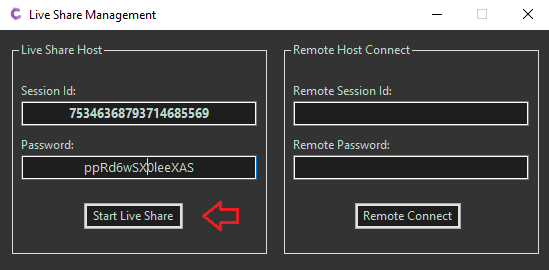
Real-time co-editing powered by ASP.NET SignalR. Two developers, one file, zero friction.
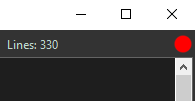
A red bubble appears in the status bar when you're broadcasting. The active shared tab is highlighted in red.
Share your Session ID and password with a collaborator. They join with Ctrl+Q — instantly synced.
Built on ASP.NET SignalR for low-latency, bidirectional real-time updates. Supports remote server connections.
Built-in NuGet Manager
Search, download, and reference any package from nuget.org — without leaving the editor. Press Ctrl+R.
Search the full nuget.org catalog by package name. Latest version is auto-detected and pre-selected.
Press Shift+F10 to download the selected package. DLLs are automatically referenced in your current session.
Add any external managed library reference manually via the Reference Manager dialog. Works with local and remote assemblies.
Key Keyboard Shortcuts
Technology Stack
Ready to Run C# Instantly?
Download CIARE from GitHub. .NET 10 SDK required. Windows 10+ supported.